


The US is celebrating Thanksgiving right now, and plenty of People are preparing for household gatherings, watching soccer video games, having fun with their vacation free time – and searching for bargains as Christmas procuring approaches. In case you’re the “tech particular person” in your loved ones, chances are high somebody will ask for assist with their iPhone or Mac. Listed here are some tricks to make them run higher!
Get on the newest model of iOS and macOS
When you’ve got a member of the family working iOS 13 or an older model of macOS, Thanksgiving is a superb time to replace them. They are going to obtain all the newest options of iOS 16 and watchOS 9, and will keep up-to-date for even longer because of automated updates.
All of Apple’s fall working system updates have been out lengthy sufficient that it’s best to really feel secure upgrading them. Bear in mind – the present variations are probably the most safe ones available on the market, so it’s a fantastic thought to maintain your loved ones up-to-date with these patches and fixes.
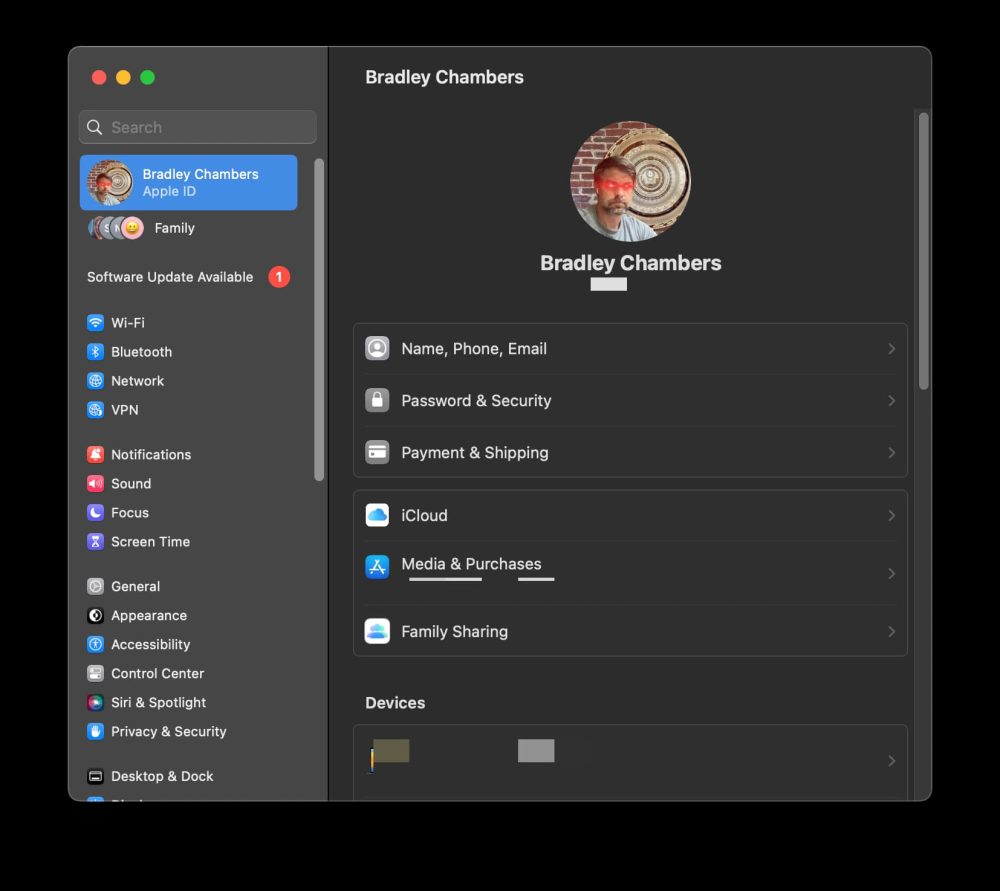
Earlier than you replace to macOS Ventura, be sure that your system is backed up – extra on that later. In case you’re going to do just one factor for Thanksgiving tech help, checking for updates must be it (much more so than peeling potatoes).
Affirm iCloud is configured
iCloud Photographs
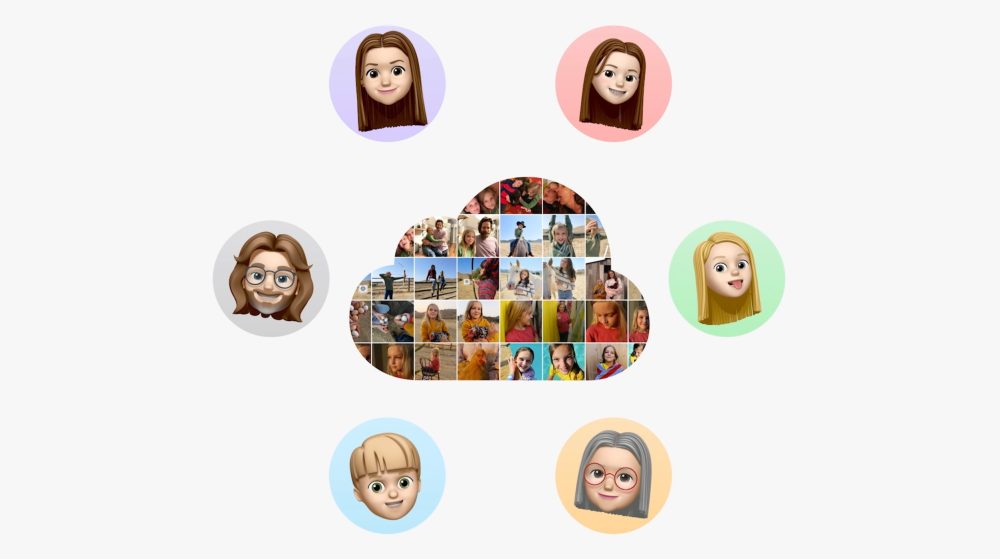
If you will take a look at a member of the family’s units, make certain they register with their iCloud account earlier than doing the rest. It might appear loopy, however I’ve seen it with my very own eyes: In 2022, somebody may use iOS with out iCloud.
To examine if your loved ones members are signed in to iCloud, go to Settings > iCloud. When you’re in that part, please scroll down and ensure they’ve accomplished a backup not too long ago – if not, set off a guide backup immediately so it completes earlier than upgrading iOS.
When you confirm that iCloud Photographs is enabled, return to the primary display screen and examine whether or not they have sufficient area on their iCloud account. In case you again up your photograph library to iCloud, shedding a tool received’t be any worse than forgetting the place you set the charger.
On macOS, you’ll wish to allow iCloud (Apple brand > System Preferences > iCloud). Then open the Photographs app in order that it syncs accurately.
In case you’re feeling adventurous, you may wish to allow iCloud Photograph Sharing.
Time Machine and cloud backups
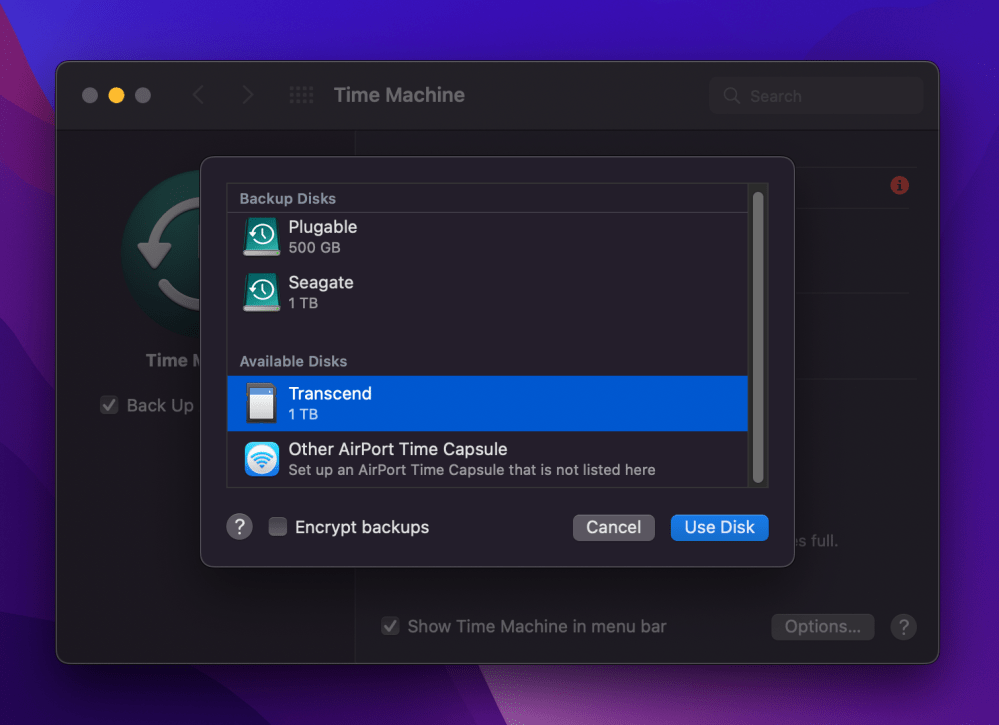
Though your loved ones might not have their exterior arduous drive with them, it’s best to strongly encourage them to again up their Mac at common intervals. Amazon presents various fairly priced external drives which might be straightforward to make use of with Time Machine.
In the event that they don’t have a drive, it’s best to ask them to order one and set it up over Christmas. You may confirm that Time Machine is working by going to System Preferences > Time Machine.
In the event that they don’t have a Time Machine backup and would love one, you’ll be able to advocate a service like Backblaze. It prices solely $70 per yr. I’ve a number of co-workers who didn’t wish to cope with having to recollect to plug in an exterior drive to make backups, so they simply opted for Backblaze. Backblaze will routinely again up all of the information in your Mac or PC. Offsite backups are particularly essential in case of fireside, flood, or theft; as soon as you put in it there’s nothing else to do.
Test Chrome extensions
Chrome is a well-liked browser amongst Mac customers because of its straightforward syncing with PCs and sturdy extension ecosystem. I have a tendency to seek out situations the place it has been loaded down with bloatware by PC homeowners, although – and fortuitously, it’s comparatively straightforward to take away such add-ons.
Go to Window > Extensions. Search for something irregular (PDF converters, and so on.), and take away it. Additionally, double-check its default homepage (DuckDuckGo is the most secure choice). In case your family members are complaining about fixed pop-ups whereas they’re making an attempt to browse the Net, it’s most likely because of an extension that put in its personal search engine. Ensure you embody this tech help throughout Thanksgiving dinner!
Basic macOS cleanup
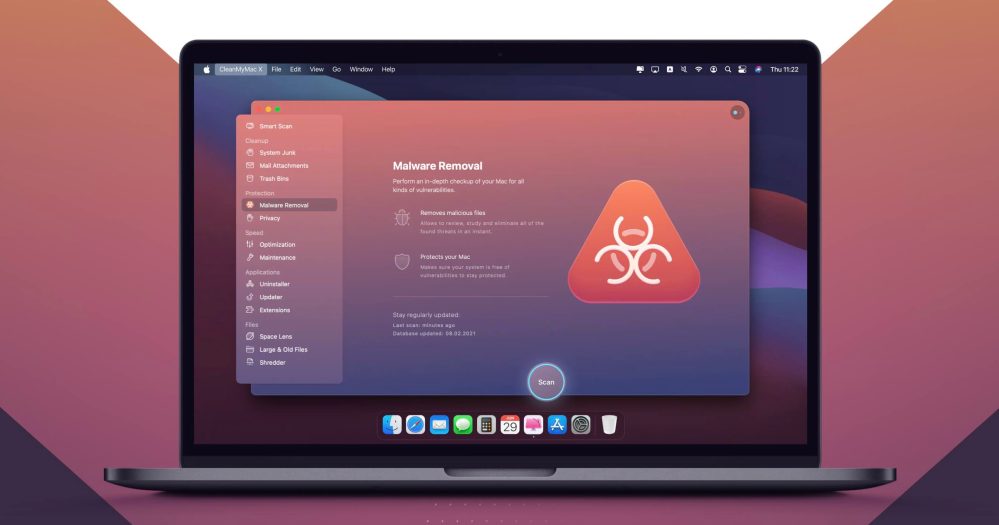
Whereas macOS may be very safe, you’ll be able to nonetheless get malware by clicking on a random pop-up advert that tells you to obtain a brand new flash participant, and so on. My favourite software for cleansing up malware is Malwarebytes or CleanMyMac X. Malwarebytes is a free obtain, and there are paid choices for automated scanning sooner or later. You are able to do that totally free if you wish to run a fast scan and take away it.
If you might want to do basic upkeep, delete massive information to release area, or uninstall purposes, take a look at CleanMyMac X. It’s the perfect macOS upkeep software available on the market. It’s nice for cleansing area, uninstalling unused apps, and rather more.
Focus on Wi-Fi upgrades
I’ve been getting increasingly more questions on the way to make residence Wi-Fi connections higher. At any given time, there could also be 60 units related to my residence community – principally HomeKit-enabled units and equipment but in addition computer systems, iPhones, and iPads.
I’m utilizing the eero Professional 6E in my home since I work at home, however for somebody with much less demanding wants, the conventional eero 6 mannequin shall be a implausible improve. Right here’s my full evaluation. If your loved ones complains about poor Wi-Fi of their residence for distant work, you’ll be able to advocate eero to them with confidence.
Wrap-up on Thanksgiving tech help
It’s excessive time that you just get all your family and friends members arrange for the brand new yr by guaranteeing their units are backed up, up to date, and free from malware. Keep away from controversial subjects like net apps vs. native apps – it’s Thanksgiving!
Photograph by Jure Pivk on Unsplash
FTC: We use earnings incomes auto affiliate hyperlinks. Extra.

Take a look at 9to5Mac on YouTube for extra Apple information:

