


AppleInsider could earn an affiliate fee on purchases made via hyperlinks on our web site.
Whereas gaming on the Mac is enhancing daily, cloud gaming is a option to get AAA video games on macOS as we speak. This is get began with the three largest companies in cloud gaming.
Traditionally, the phrases “gaming” and “Mac” have not been utilized in the identical sentence fairly often. Apple has been extraordinarily gradual to make any critical strides in gaming in comparison with the remainder of the business.
A number of main franchises have certainly introduced their flagship titles to Mac – video games like Alien Isolation, Diablo III, and Resident Evil VII all have Apple Silicon variations that run flawlessly on the platform. Nevertheless, increasingly more builders are skipping the App Retailer and bringing their video games to cloud companies, making them accessible on virtually each platform instantly.
What’s Cloud Gaming?
Put merely, cloud gaming is a option to play fashionable PC or console video games on distant {hardware}. With most cloud gaming companies, you may entry dozens of video games regardless of the place you might be.
With cloud gaming, you do not have to attend for prolonged downloads that take up lots of of gigabytes of your Mac’s treasured storage. You can even play on any gadget with an web browser, and the connection speeds aren’t as demanding as you may think.
Most often, in case your connection is quick sufficient to look at Netflix in HD, it is adequate for cloud gaming.
Three of the 4 main cloud platforms presently work on macOS – Microsoft’s Xbox Cloud Gaming, Amazon’s Luna, and NVIDIA’s GeForce Now. The fourth main cloud service, PlayStation Plus, presently requires an app that solely works on Home windows.
This is get began with every service.
What you will want
- Any presently supported Mac
- Safari for Xbox Cloud Gaming, or Chrome for Amazon Luna and NVIDIA GeForce Now
- A wired or Bluetooth controller
- An web reference to at the very least 10 megabits per second obtain velocity — however extra is healthier
In some instances, you will want a subscription to your chosen cloud gaming service. GeForce NOW does supply a free tier to get you began, and Amazon Luna has a Free with Prime tier.
Getting began with Xbox Cloud Gaming on Mac
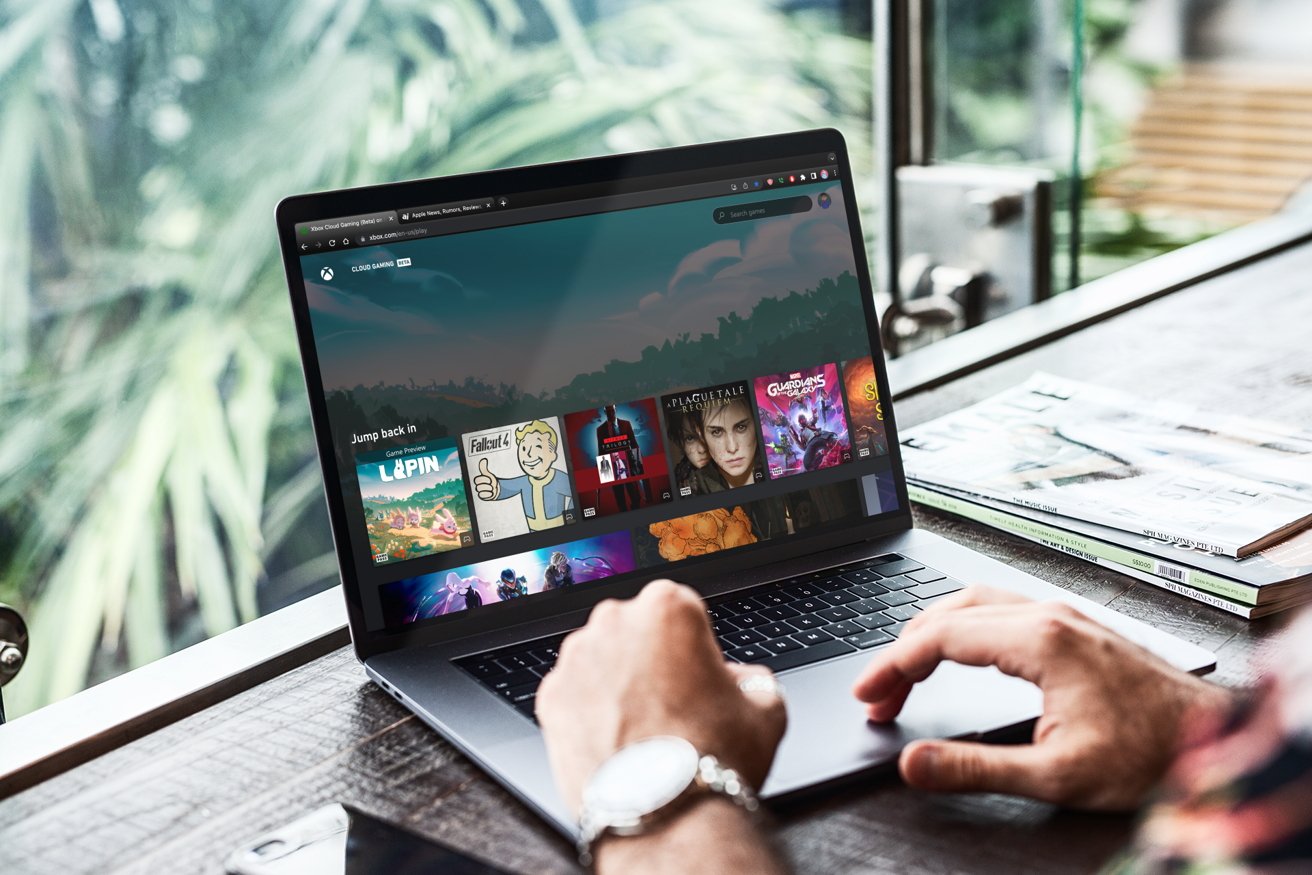
Xbox Cloud Gaming requires a controller. Fortunately, it really works with any controller that works together with your Mac.
You will want a Sport Go subscription on the Final tier to make use of Xbox Cloud Gaming. The Final tier runs $15 a month, and provides you entry to the whole lot Sport Go has to supply, together with PC video games and Xbox console video games, together with the cloud gaming entry and free perks each few months. To get began, go to Xbox.com and on the prime proper, click on Be part of Now and undergo the steps to subscribe.
As soon as you have subscribed, go to Xbox’s Cloud Gaming portal. On the prime proper, click on the inexperienced field that claims Play Now.
From there, you might have entry to your complete Sport Go library. Sport Go makes use of a rotating library of video games that often spend round 12 months on the platform, although the cloud choices do appear to stay round a bit longer.
To begin a sport, merely click on its field artwork and click on Play.
A number of instances, once you select a sport and click on to play, the web site provides you with a “Community Unsupported” error, nonetheless, you will discover you are still capable of play comfortably so long as your connection is round 10 Mbps or greater. For those who get this error, click on Play Anyway and the sport ought to launch as regular.
One quirk to pay attention to with Xbox — the video games predict Xbox-compatible enter, so it doesn’t matter what controller you are utilizing, the inputs displayed on the display will at all times mirror an Xbox controller. This may get complicated when you use a DualShock or one other third-party controller.
Getting began with Amazon Luna
Amazon Luna is Amazon’s cloud gaming subscription providing. Whereas Microsoft gives its complete rotating lineup for one month-to-month payment, Luna gives their rotating collection of video games via varied “Channels”, which you’ll be able to subscribe to individually or as a bunch.
If in case you have an Amazon Prime subscription, you may truly get began immediately with Amazon’s Prime Gaming channel, which has a collection of 4 to 5 video games per 30 days which might be included together with your subscription.
If not one of the Prime video games catch your eye, you may subscribe to particular person Channels on this web page. Luna+, Household, Retro, and JackBox Video games supply a wide range of video games from totally different publishers, whereas the Ubisoft+ channel is mainly a subscription to Ubisoft’s gaming service, which additionally runs on Luna.
In contrast to Sport Go, Amazon Luna does have a local app for Mac, which you’ll be able to obtain from the online portal. On this case, the online portal is definitely advisable. In our testing the native macOS app appeared to crash or just fail to load extra typically than it labored.
Getting Began with Nvidia Geforce NOW
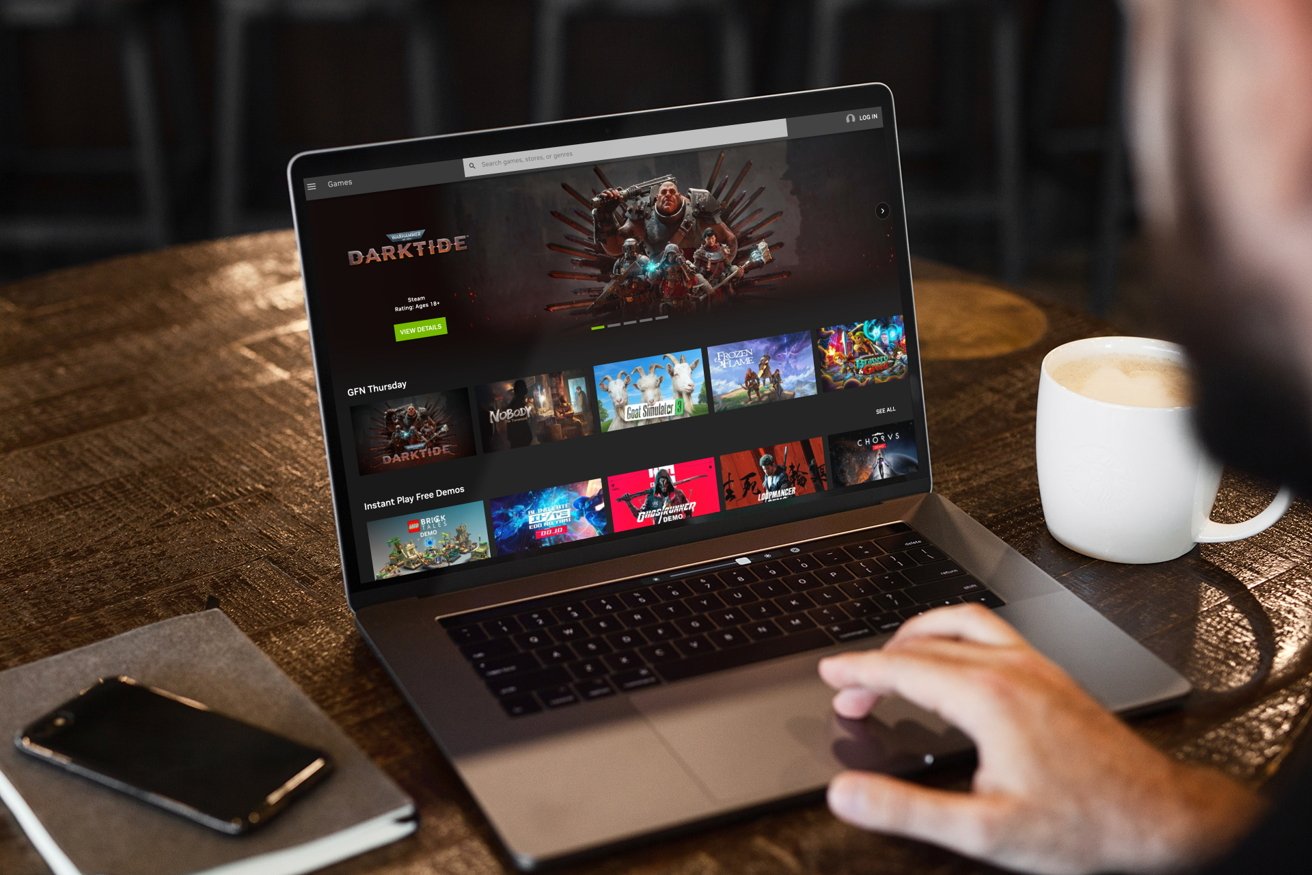
Of the three companies, Nvidia GeForce NOW might be the trickiest each to arrange and to make use of. GeForce NOW requires both the Chrome Browser or NVIDIA’s devoted GeForce NOW app, each of which might be tough to search out on NVIDIA’s web site.
GeForce NOW does not have its personal library of video games. Reasonably, NVIDIA’s service hyperlinks to your present libraries on Steam, Ubisoft+, or Epic Video games accounts. GeForce NOW has a listing of video games on these companies that work with the cloud platform.
The GeForce NOW homepage will seem barely otherwise relying on which nation you are in. Discover the inexperienced View Particulars button, and click on it.
It will take you both to a hyperlink to enroll in GeForce NOW (when you’re within the US) or just a few hyperlinks to enroll by way of GeForce Companions in your area (when you’re outdoors of the US). The signup course of for every Accomplice can differ drastically, however none require a subscription payment up entrance.
On the sign-in web page, you will be prompted to obtain GeForce NOW app for Mac. It is extremely advisable that you just use GeForce NOW by way of the app since it may be tough to search out GeForce NOW’s login web page when you navigate away from it.
GeForce NOW has three subscription choices: Free, Precedence ($8.99 per 30 days), and RTX 3080 ($19.99 per 30 days). Whereas anybody can play on the Free tier, there are some limitations – ready for a cloud gaming rig can generally take 30-40 minutes, and your classes are restricted to at least one hour. After that hour is up, your rig passes to another person, and you will have to attend in line once more to proceed taking part in.
The advantages of the Precedence tier are entry to greater resolutions and quicker framerates, the choice to allow Nvidia’s RTX raytracing in video games that assist it, quicker queue instances, and session size prolonged to 6 hours.
The RTX 3080 tier offers you eight hour classes, and you might be assured to get a distant rig that has an RTX3080 GPU, which allows 1440p gaming at 120fps or 4K at 60fps. Have in mind the web velocity requirement for this tier jumps from 10Mbps to 40Mbps at minimal.
GeForce NOW is a little more sophisticated than the “Click on and Play” model that Luna and Xbox Cloud Gaming function. Some video games nonetheless require you to fiddle with settings or obtain updates on the distant PC to get began, which eats into your “rig time.”
Different video games simply refuse to work in any respect, which might be irritating when you simply spent thirty to forty minutes ready within the queue for a rig.
Sony PS Distant Play
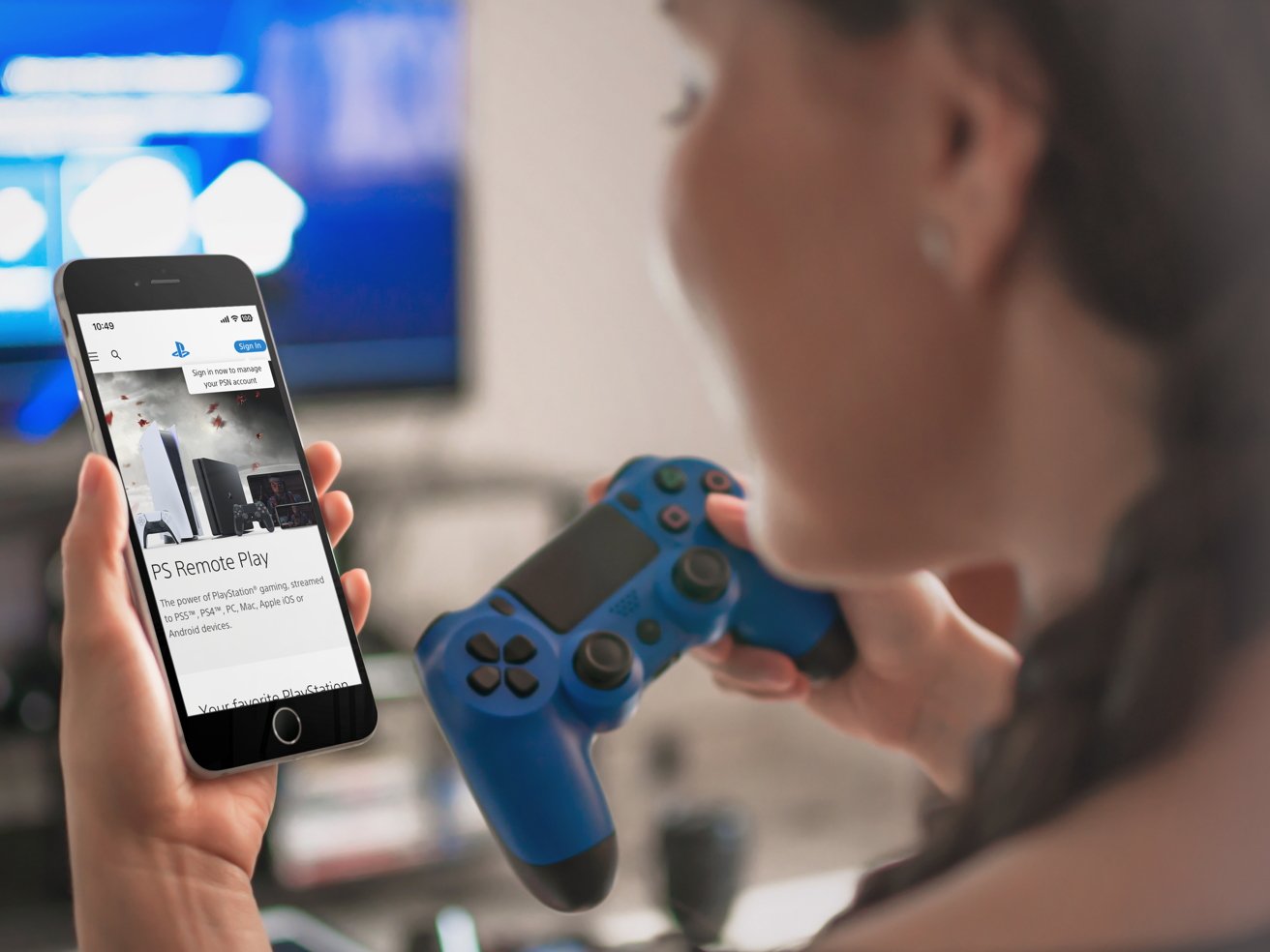
As talked about, Sony’s cloud providing presently solely works on Home windows and – considerably inexplicably – Sony’s personal PlayStation 5 and PlayStation 4 consoles.
Whereas there isn’t any PS Plus app for Mac but, when you already personal a PlayStation console, you may truly take your library with you on the go utilizing PS Distant Play. PS Distant Play works equally to cloud gaming – your PlayStation runs the video games remotely whilst you play them domestically in your Mac wherever you are at.
Getting began is comparatively painless – you will want a free PlayStation account and the free PS Distant Play app for Mac.
One factor to notice – PS Distant Play does require both a DualSense controller (for PS5 or PS4 video games) or a DUALSHOCK 4 controller (for PS4 video games solely).


[url=http://slkjfdf.net/]Egaquxu[/url] Ielucaw prg.xgyg.imageaudreystarblogspot.com.zrs.fk http://slkjfdf.net/